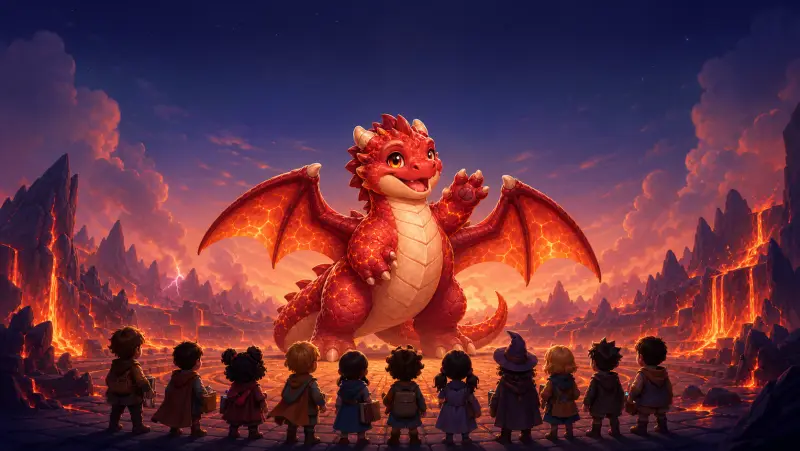
Whole-class cooperation
Boss Raid
Up to 60 students answer at their own pace while every correct answer helps the class defeat one shared boss.
- 1–60 players
- No question timer
- Join by code
Create a quiz manually or generate it from your lesson material. Then choose a multiplayer format, open the host view on the big screen, and let students join or pair up.
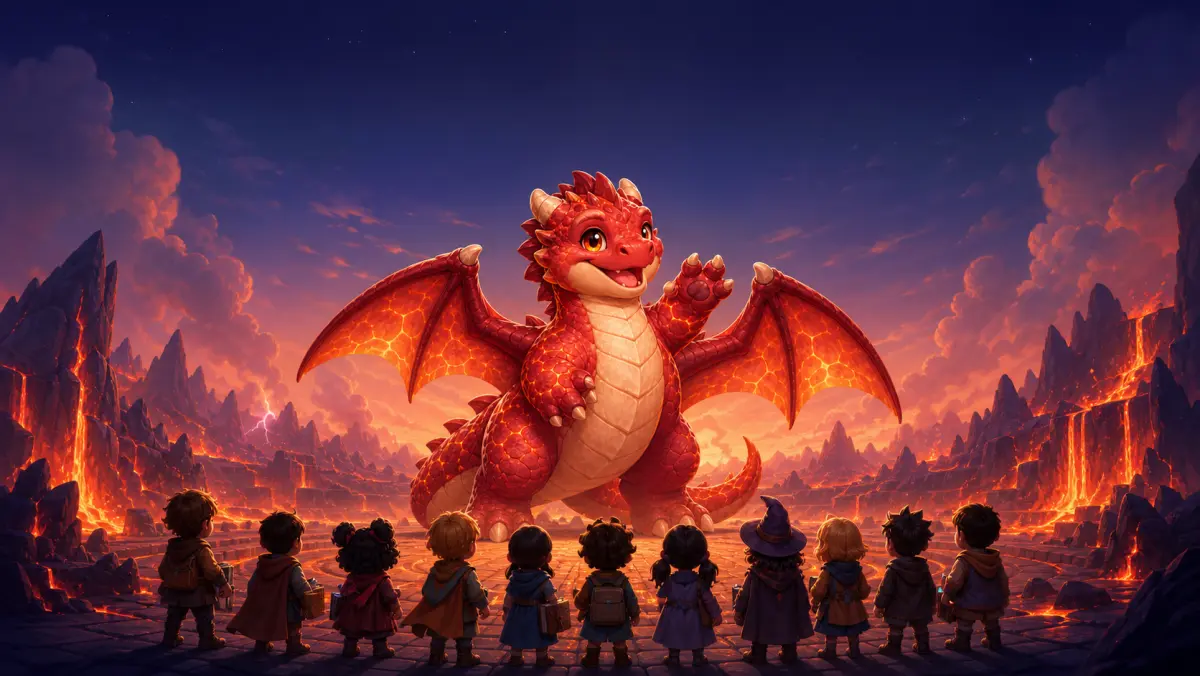
The cooperative pick
Your whole class against one giant boss
Choose the room energy
The question set stays the same. Run a whole-class event, split students into small groups, or use pair games at stations without rebuilding the lesson.
Whole-class cooperation
Up to 60 students answer at their own pace while every correct answer helps the class defeat one shared boss.

Whole-class bingo
Every student gets a bingo card made from your own study set — answer right to stamp a square, five in a row wins the round.

Whole-class café
Every student runs their own station in one shared café — correct answers serve customers, and the whole class votes together at Closing Time, with no timers and no ranking.

Find the imposters
Most players get the same secret word. Imposters get a different word. Everyone gives a one-word clue, then discusses whose clue seems different and votes for who they think is an imposter. Imposters try not to get caught.
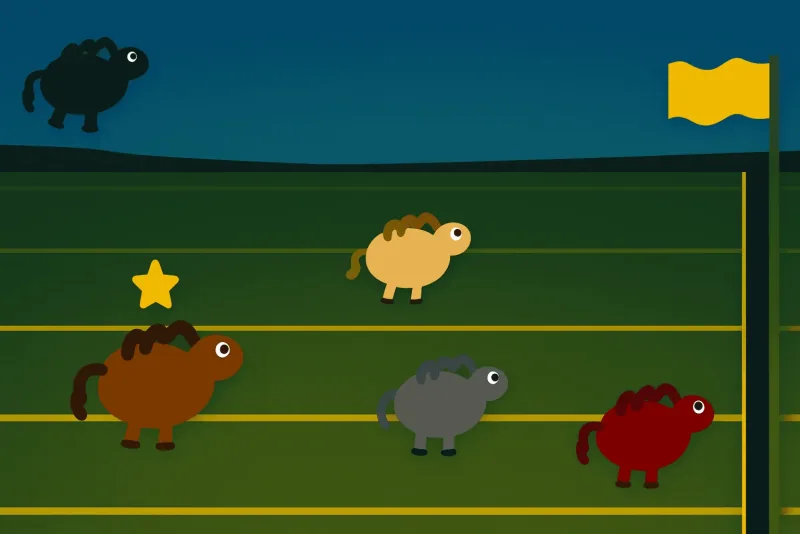
Full-class competition
Turn review into a live race where correct answers move each student’s horse toward the finish line.

Small-group strategy
Correct answers crack safes while shields, multipliers, and heist cards give a small group tactical choices.

Team quiz board
Let players choose categories and values from a shared board, with bigger questions carrying bigger rewards.
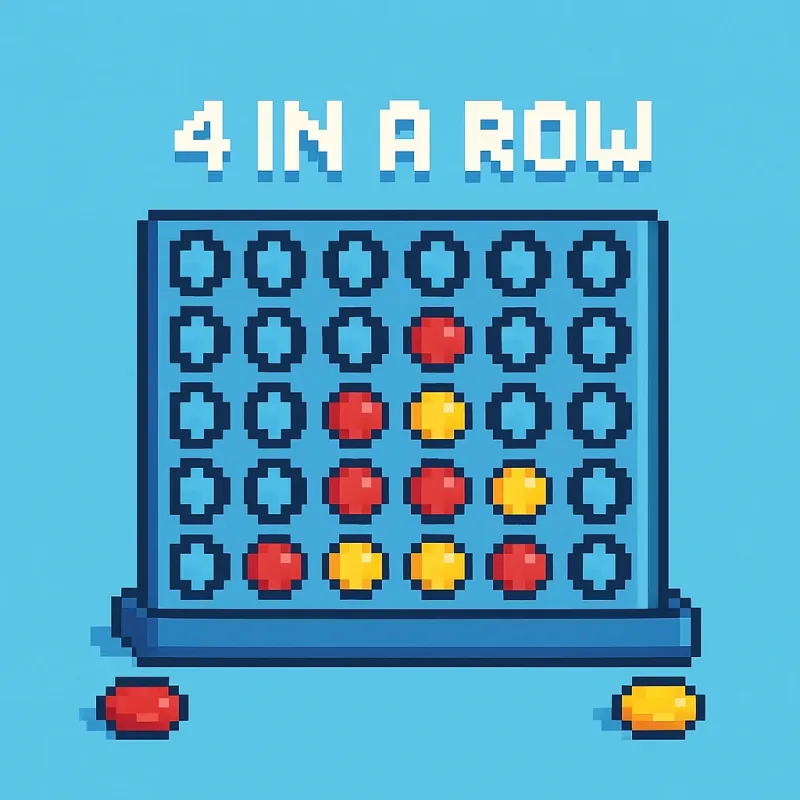
Pair strategy
Two students share a device, answer to place their chips, and balance subject recall with four-in-a-row strategy.
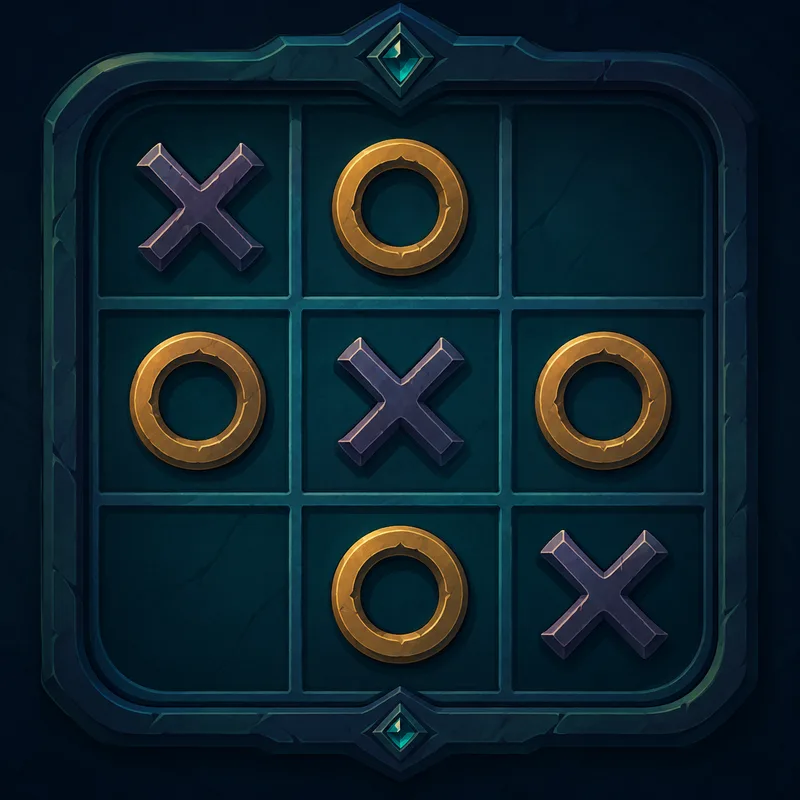
Quick 1v1 review
A short head-to-head study duel that works as pass-and-play or an online match through a shareable link.
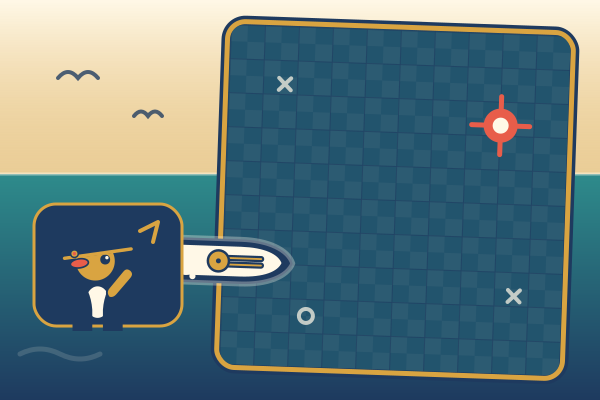
Longer 1v1 duel
Students answer to load their cannons, call shots on a hidden grid, and try to sink the other fleet first.
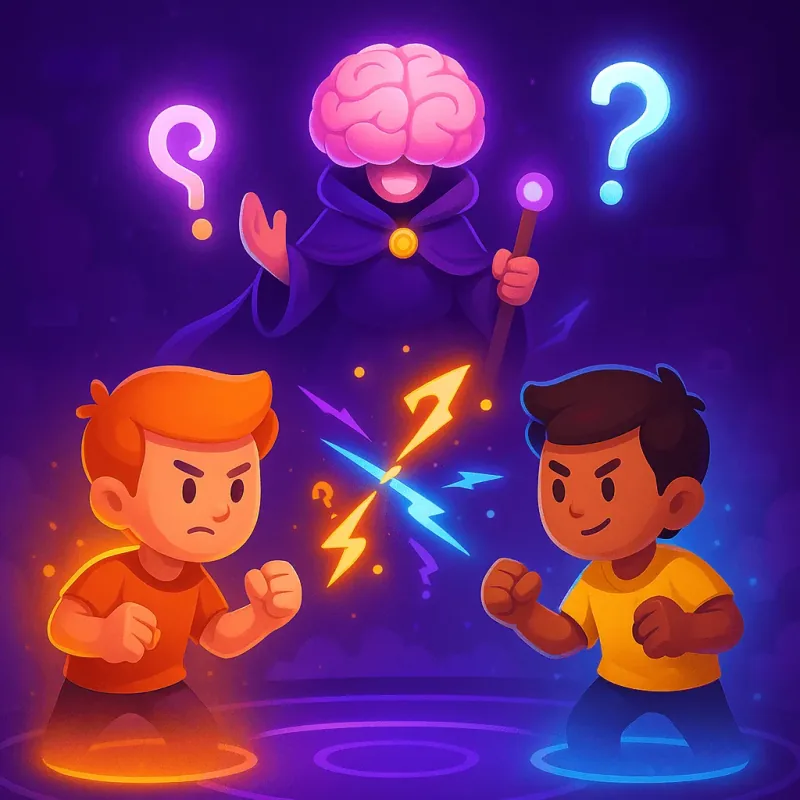
Elimination tournament
Run real-time quiz rounds with battle-royale elimination when the class wants a higher-stakes tournament.
One format, shown in detail
Boss Raid is the cooperative example. The other multiplayer games above give you different group sizes, energy levels, and competitive structures.
Upload lesson notes, worksheets, slides, or revision material instead of rebuilding a quiz from zero.
Boss Raid has no question timers. Careful readers contribute exactly like fast readers.
The projector celebrates correct strikes while wrong answers stay on the student’s own screen.
Finish with the questions the class missed most, ready for a short reteaching conversation.
For one teacher
Browse all eight multiplayer formats, choose the group size and energy you want, then bring in your own class material.
Browse all gamesFor a school or organization
Enterprise adds organization administration, teacher and learner roles, controlled content, reporting, branded access, and onboarding for a wider rollout.
Explore EnterpriseBrowse the full catalog, use the raid guide as one practical classroom example, or compare StudyQuest with the familiar Kahoot workflow.
Not for Boss Raid. The teacher hosts, students enter a short code and nickname, and the class can begin without creating student accounts.
Yes. Upload a PDF, DOCX, image, slide export, or pasted text and let StudyQuest draft the questions, or build the quiz manually. You can review and edit the set before students see it.
Yes. Generate a share link and students can open the question set without signing in, choose a single-player game, and play independently. When you want a live session, use the same set to host a multiplayer game.
Boss Raid is the most cooperative option: up to 60 students answer at their own pace while every correct answer damages one shared boss. Horse Race and Knowledge Royale are better when you want direct competition.
An individual teacher can start with the normal StudyQuest experience. Enterprise adds managed school or organization workspaces, teacher roles, centralized administration, access controls, reporting, and organization-wide onboarding.
Choose the multiplayer format that fits your room, from one shared class event to small-group and head-to-head games.
Open the game catalog