Upload a week of class slides, a chapter, or your own notes. StudyQuest writes the questions and turns them into games. You stop writing quizzes, and you see what the class still finds hard.
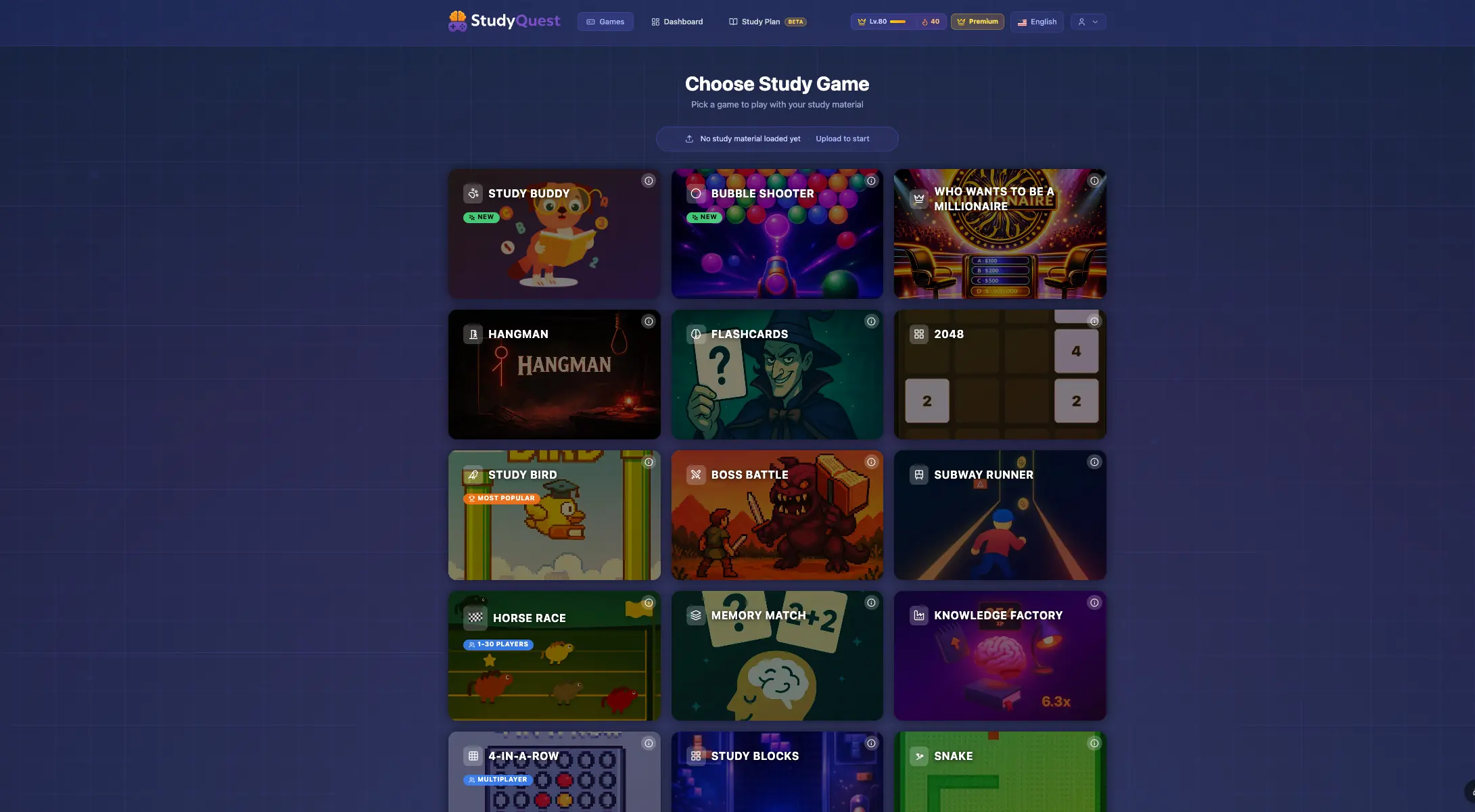
One upload powers every game. A learner who is bored of one format simply opens another. The question pack stays the same.
Live classroom games
The whole class in one game. Join codes, no student accounts.
Made for a projector and a room full of students. You host; everyone joins at studyquest.app/join with a code and a nickname and plays from their own phone or laptop.
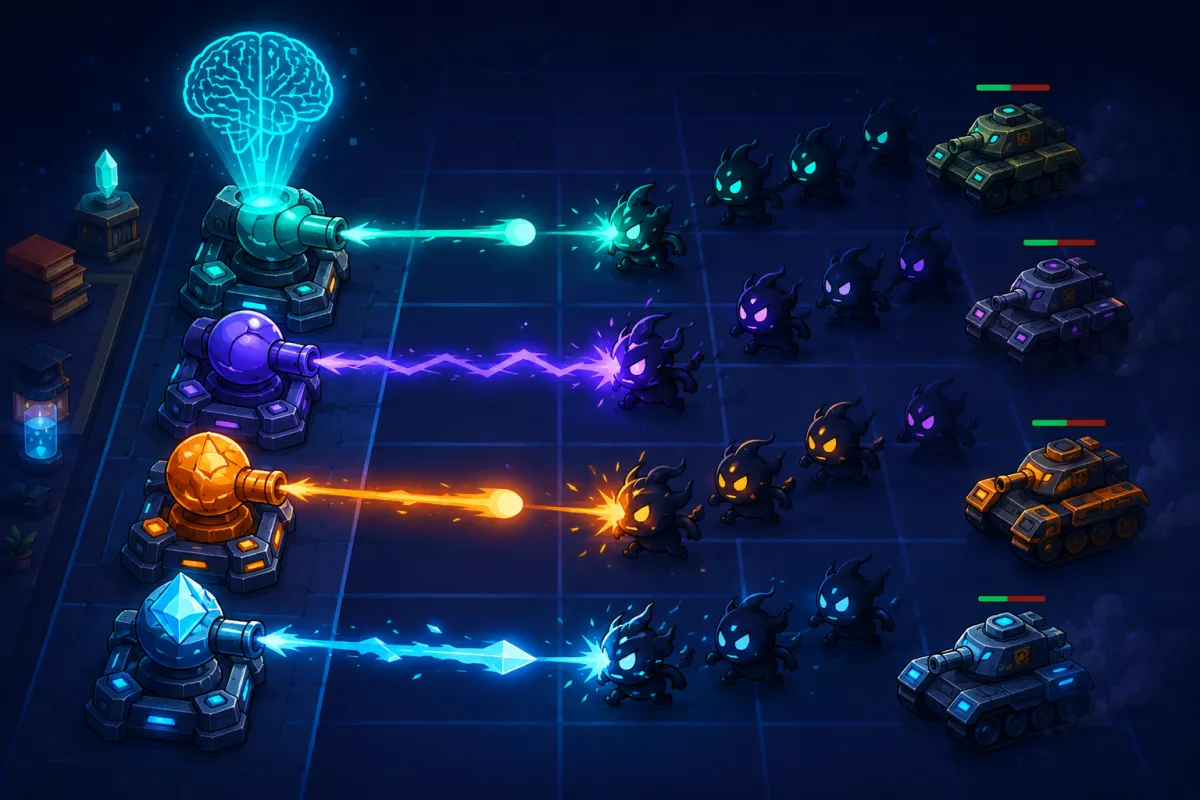
Co-op boss fight
Boss Raid
The class shares one goal: every correct answer lands a visible strike on the big screen. There are no timers, so careful readers contribute exactly like fast ones, and misses stay private to each student. When the boss falls, you get a report of where the class fought hardest.
Quiz bingo
Bingo Night
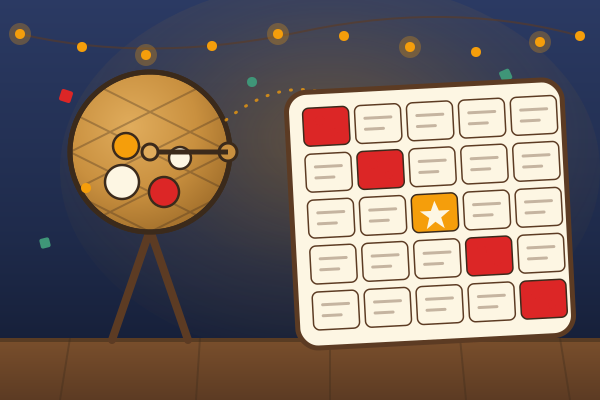
Every square on the card is a question from your material. Right answers stamp the card and five in a row wins. A last-call rule lets photo-finish winners share the bingo. There is a solo mode against the hall's three regulars, too.
Social deduction
Imposter Academy
Most students get a codeword from your material; a few double agents get a close decoy and have to blend in. Clues, debate, then a vote. Nothing is timed: you move the class forward one button at a time.
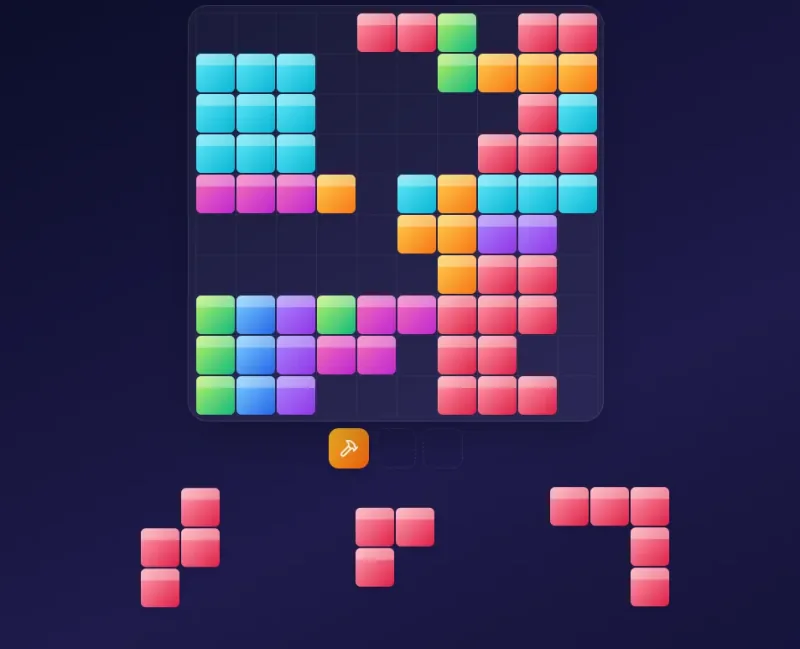
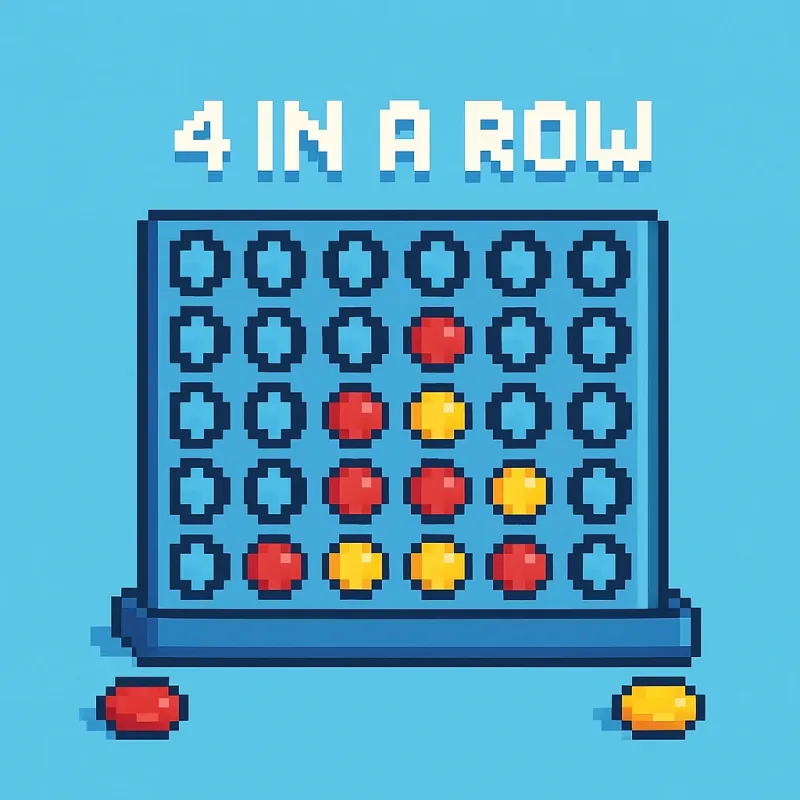
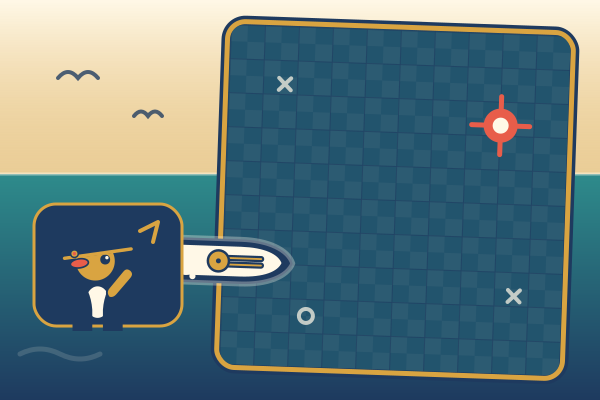
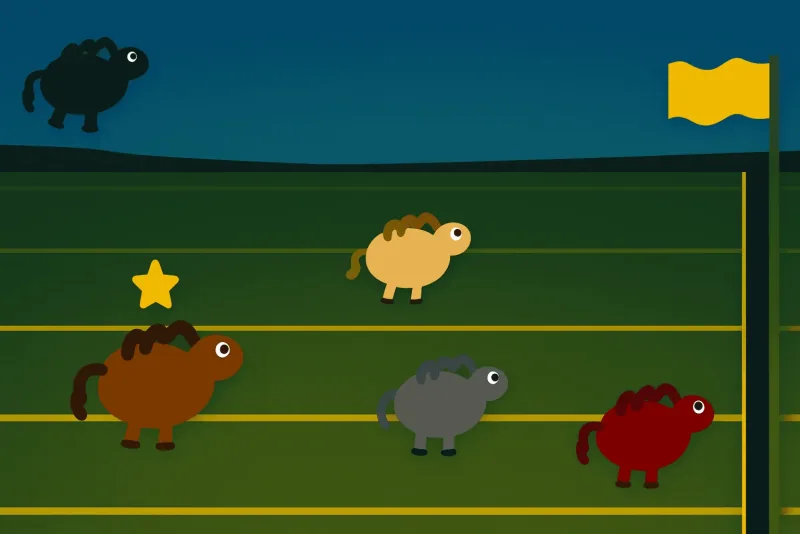
Also in the library · Head-to-head games for pairs and small groups: Knowledge Royale, Battleships, Vault Heist, Study Jeopardy!, Horse Race and more.
Upload slides, a chapter or your notes. The AI drafts the questions, and you keep the ones you like.
A view of what the class gets wrong.
Each quiz shows the class's accuracy and the questions they missed most, so you know what to go over again.
Practice students actually open.
One upload becomes over fifty games. Students come back because it plays like a game, not a worksheet.
Your school's own workspace.
Your logo, your subdomain, your login screen. Set up in an afternoon, not over a term.
Sign-up with a class code.
Students join your school's workspace with a class code from their teacher. No accounts for you to create.
Practice that marks itself.
Every game is marked automatically with a clear right or wrong. Nothing to mark by hand.
Full control, privacy first
Your school decides what students can do.
School admins set the rules for the whole school. Students get the fun parts, and nothing you haven't allowed.
Games on or off.
Students play solo games and join games a teacher hosts. Switch games off, and students only take the quizzes you assign.
No games with strangers.
Inside your school, students can't start multiplayer games. Only teachers and admins host, and students join with a code.
Uploads only if you allow them.
Turn off student uploads, and students only play quizzes their teachers made.
You decide who gets in.
Teachers join by invite, students with a class code from their teacher. Your workspace is for your school's members.
No tracking on school pages.
Your school's pages load no analytics and no third-party trackers.
No public rankings.
Public play counts, ratings and most-popular lists are hidden inside your school.
Each school's data is kept apart from every other school's, hosted in the EU, and we sign a data processing agreement with you.
How it works
A few minutes for the teacher. Ten fun minutes for the students.
Teacher
A few minutes before class.
1
Drop in the material.
Class slides, a chapter, your own notes. If it is readable, it works.
2
Keep the questions you like.
The AI drafts them. You edit, reorder, or bin the bad ones, then publish.
3
Share it with the class.
Hand out a join code, or let students log in at your school's own address.
4
See what the class finds hard.
Each quiz shows the class's accuracy and the questions missed most.
Student
Ten spare minutes, between classes or at home.
1
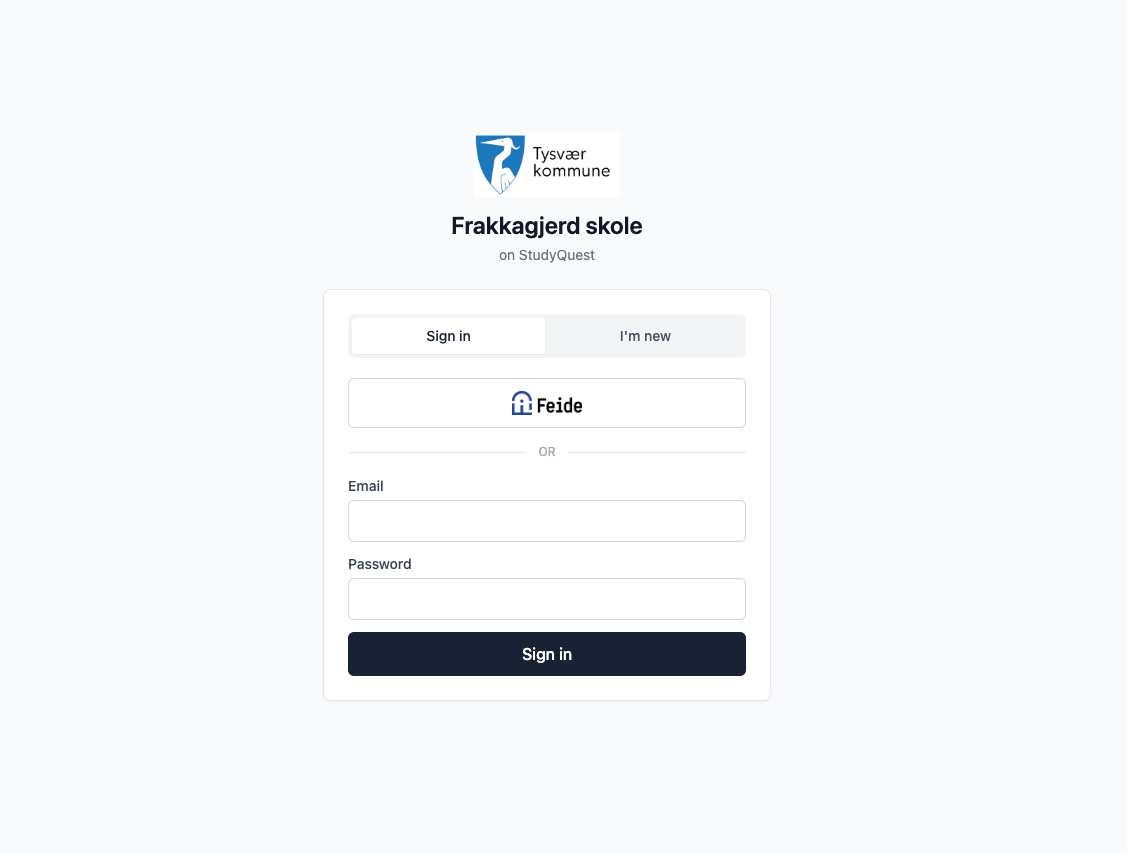
Open the school link.
Your school's branding, no consumer ads, no upsells.
2
Sign in.
With their email and a password, on the school's own login page.
3
Play the material.
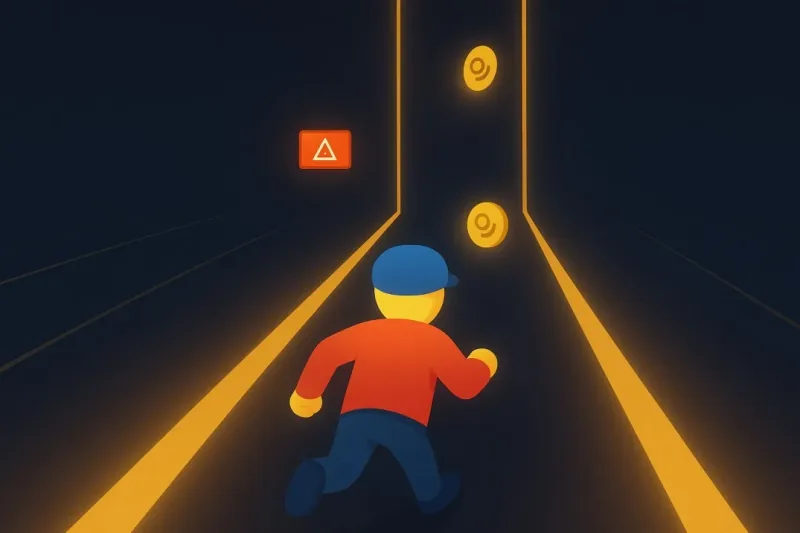
The same questions, played as snake, a boss battle, or a dozen other games.
4
Come back before the test.
The games stay open, so students can practise again whenever they like.
Why it works
Students practise because it plays like a game. And you see what the class keeps getting wrong.
One upload/Every game/Every class
What teachers say
In their own words.
“It has been incredibly helpful for both me and my students. We really love the variety it offers and the amazing games integrated into the system.”
Teacher, by emailOctober 2026
“I love the variety of games, that they do not need an account, and that it has generated great questions.”
Teacher, feedback in the appSeptember 2026
“So far it is simple. I like that I can host a class game and give students solo practice.”
Teacher, feedback in the appSeptember 2026
“I love the variety of games!”
Teacher, feedback in the appSeptember 2026
Real messages from teachers who use StudyQuest, quoted as they wrote them, in English.
School or teacher accounts?
One school workspace instead of a pile of separate teacher accounts.
Any teacher can start on their own. A school workspace puts every teacher and student in one place, with your branding, roles and an overview for the whole school.
School or teacher accounts?
Teacher account
School workspace
Questions written by AI from your own material
Included
Included
Over fifty games to practise with
Included
Included
Live classroom games with a join code
Included
Included
Results per quiz, with the questions missed most
Included
Included
Start today, on your own
IncludedFree during the teacher beta
Not includedWe set it up with you
Full limits for every teacher and student
PartlyJust your own account
Included
Your school's own address, logo and login page
Not included
Included
Roles for school admins, teachers and students
Not included
Included
Invite teachers and let students join with a class code
Not included
Included
An overview of activity for the whole school
PartlyYour own quizzes only
IncludedPer teacher
Assignments with due dates
Not included
Included
Control over what students can do, like games and uploads
Not included
Included
Export rosters and results
PartlyResults only
Included
A data processing agreement (DPA)
Not included
Included
Teacher accounts are free while the teacher beta runs. School prices depend on the number of students and teachers.
We are a Norwegian company, so EU data rules are where we start, not an extra. Here is what that means for your school.
Hosted in the EU.
Your data is stored in a managed database in the EU.
Kept apart.
Each school's data is kept apart from every other school's with row-level security.
No trackers.
Your school's pages load no analytics and no third-party trackers.
A signed agreement.
We sign a data processing agreement (DPA) with your school or municipality as part of getting started.
For school leaders & IT
Procurement-ready, without a six-week setup.
One workspace for the whole school, with roles for school admins, teachers and students.
Data
EU-hosted Postgres.
Each school is isolated by row-level security, so one school can't read another's data.
Access
Roles and class codes.
Roles for school admins, teachers and students. Students sign up with a class code from their teacher.
Domain
Your subdomain.
yourschool.studyquest.app, with your logo and login screen.
Exit
Your records, exportable.
Rosters, results and per-student data, ready to export. No lock-in.
Get a quote
Tell us about your school.
Every school runs a bit differently, whether it is one class or a whole municipality. Send us a note and we'll come back with a price, a timeline, and a sample workspace to click around in.
BUILT · In Norway, by people who like teachers and teams.
FAQ
What schools ask first.
In a managed Postgres database (Supabase) hosted in the EU. Each school is isolated with row-level security policies, so one school can't read another's data.
Yes. We're built in Norway, so EU data residency is the default, not an upgrade. And we'll happily sign a databehandleravtale / DPA with your school or municipality as part of onboarding.
No. Drop in any document (PDF, DOCX, slides, plain text) and an advanced AI model writes a first draft. The teacher skims, edits anything that looks off, and approves. Students see only what was approved.
Not for live classroom games: they join with a code and a nickname. For homework and saved results, students join your school's workspace with a class code and sign in with their email.
Yes. Any teacher can make a free account at studyquest.app/teachers and use it with a class before the school signs up.
It depends on how many students and teachers you have. Send us a note and we'll come back with a price.



.webp)